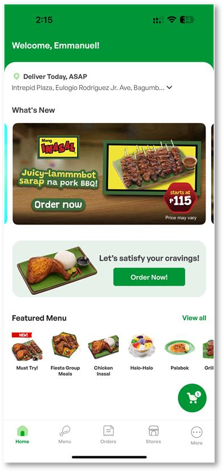
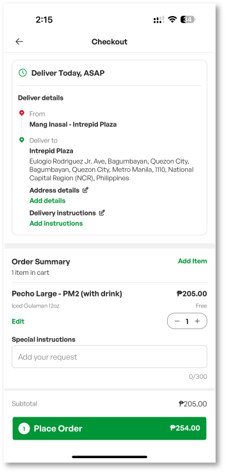
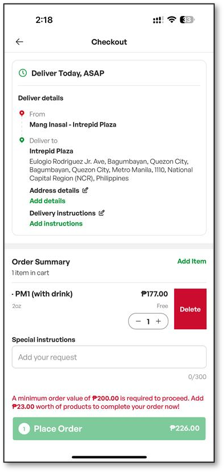
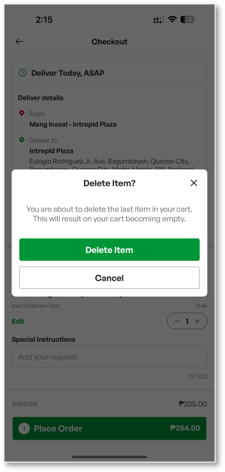
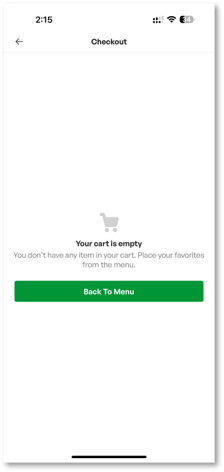
How to Update or Delete Items in the Cart? Click floating cart icon To edit quantity: Click the “Minus” or “Plus”button To delete, slide the item to the right Confirm by clicking Delete item button Go back to Menu to add items once again Related articles How To Locate A Store? How Existing Users can Nominate New Password Once Migrated to Falcon Via REGISTRATION How Can I Follow Up or File a Complaint About a Mang Inasal Store?